

How to wire a backup camera is probably one of the most practical, yet oddly intimidating, skills a car owner can learn in the modern DIY era. It starts with a simple desire. You want to see what’s behind you. Maybe you backed into a mailbox once. Maybe you just bought a new double-DIN radio and that blank screen when you throw it in reverse is mocking you. It’s annoying. But tackling the wiring? That feels like performing surgery on a beast that runs on 12 volts and gasoline.
Table of Contents
This guide isn’t just a list of instructions; it’s a journey through the chassis of your vehicle. We are going to explore how to wire a backup camera in a way that actually sticks, covering everything from the standard reverse-light trigger to the fancy “always-on” setups that let you watch your trailer while driving down the highway.
The Philosophy of the Install: Why It Matters
When we ask how to wire a backup camera, we are really asking for eyes where we have none. Evolution gave us eyes in the front. Cars, for the longest time, just gave us mirrors. Mirrors are great, don’t get me wrong, but they have blind spots the size of a small hatchback.
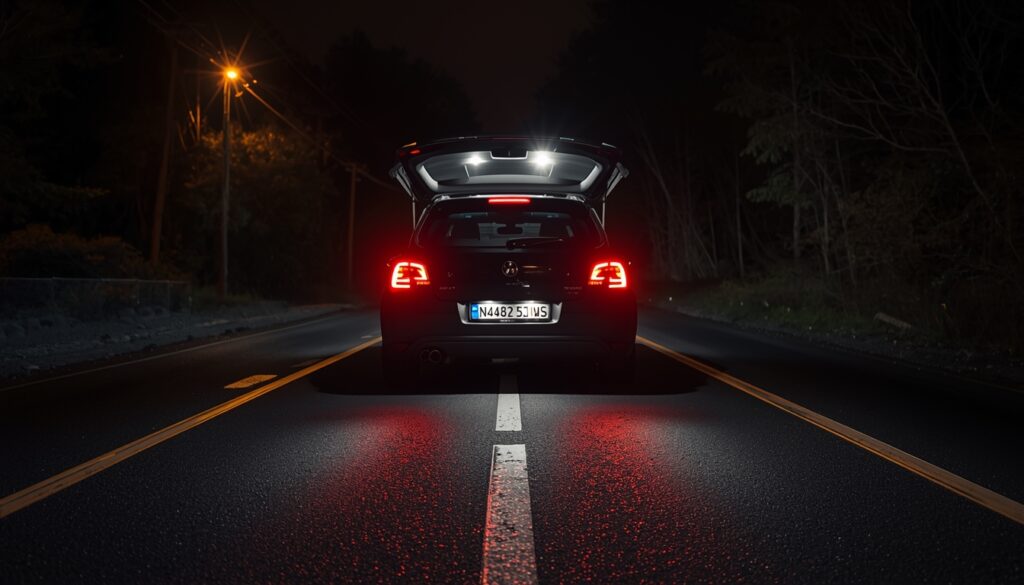
The logic here is simple. We are trying to bridge a gap between the back of the car and the dashboard. It’s a long way for a signal to travel. You have to route a video feed and a power signal through metal, under carpets, and past eager passengers who might kick a loose wire. It’s a hostile environment. Humans are clumsy; we spill coffee, we slam doors. Your wiring needs to be robust enough to handle the vibration of the road and the clumsiness of the driver.
You need to understand that electricity in a car is like water in pipes—it flows from high pressure (positive) to low pressure (ground). If you don’t give it a good path to return to the ground (the chassis), the camera won’t work. It just won’t. And you’ll be standing there in the driveway, wire strippers in hand, wondering where it all went wrong.
What You Are Up Against
- The Chassis: Metal obstacles everywhere.
- The Length: Most cars are longer than you think when you are crawling under them.
- The Electronics: Modern cars are sensitive. You have to be careful.
Gathering Your Tools: The Prep Work
Before we dive into how to wire a backup camera, let’s talk about the toolkit. You can’t just chew the wires apart. I mean, you could, but don’t.
You need a decent set of wire strippers. Not the cheap ones that crush the copper; get the ones that slice the insulation clean off. You need electrical tape, obviously. But better yet, get some heat shrink tubing. It looks professional. It keeps the moisture out. Moisture is the enemy of 12-volt systems. It causes corrosion, which increases resistance, which makes your camera flicker like a ghost is haunting your hatchback.
You’ll also need a multimeter. If you don’t have one, get one. It doesn’t have to be expensive. You just need to know if a wire is hot (carrying 12V) or not. Trying to guess which wire is the reverse light wire without a multimeter is a game of Russian Roulette with your car’s fuses. You will blow a fuse. It happens.
Note: Always disconnect the negative battery terminal before cutting into major harnesses. It’s a hassle to reset your radio presets, I know. But it’s better than shorting out a control module.
Read Now: The Tesla Battery Degradation Chart: A Deep Breath and a Reality Check on EV Longevity
The Classic Approach: How to Wire a Backup Camera to the Reverse Light
This is the bread and butter of the operation. Most people just want the camera to pop on when they shift into ‘R’. This is how to wire a backup camera to the reverse light.
Here is the logic: The reverse lights only turn on when you are in reverse. So, if we steal power from that specific light bulb to power our camera, the camera will also only turn on when you are in reverse. It is elegant in its simplicity.
Step 1: Locating the Target
Open your trunk or hatch. Access the tail light assembly. Have a friend sit in the driver’s seat (with the engine off but the key in the “On” position) and shift into reverse. Please, make sure the parking brake is on. Don’t get run over. Use your multimeter to find the wire that suddenly gets 12 volts when the car is in reverse. That is your trigger wire.
Step 2: The Splice
This is where people get nervous. You have to strip back a little insulation on that reverse light wire. Do not cut it all the way through if you can help it. Just expose the copper. Take the red power wire from your camera’s DC power pigtail. Wrap it around that exposed copper. Solder it if you know how—soldering is the gold standard. If you can’t solder, use a high-quality crimp connector or a Posi-Tap. Do not just twist it and tape it. That is a recipe for failure in three months when the tape gets gooey in the summer heat.
Step 3: Grounding
Now, look at the black wire on your camera power pigtail. This is the ground. How to wire a backup camera successfully depends entirely on this black wire. Find a metal bolt nearby on the car’s chassis. Sand away the paint. You need bare metal. Metal on metal. Bolt that black wire down tight. If the ground is weak, you get those squiggly lines on the screen. nobody likes squiggly lines.
Connecting the Brain: How to Wire a Backup Camera to Your Radio
Okay, the back is done. The camera has power when you reverse. But how does the picture get to the front? And how does the radio know to switch screens?
This is how to wire a backup camera to your radio. Most aftermarket radios (Pioneer, Kenwood, cheap Android units) have a specific RCA input on the back usually labeled “RCAM” or “Camera In.” It’s usually yellow. Plug the long video cable into that.
But wait, there is a catch. The radio needs to be told to switch to that input. It’s not psychic.
Look at your long RCA video cable. You might notice a tiny little red wire sticking out of the RCA plugs on both ends. This is called the “trigger wire” or “reverse trigger.”
- At the back: Connect that little red wire to the same Positive Reverse Light wire you used to power the camera.
- At the front: Connect the other end of that little red wire to the radio’s harness wire labeled “Reverse” or “Back.” It is often purple or orange/white. Check your manual.
When you shift to reverse, 12 volts goes to the camera and travels up that little red wire to the radio, telling the head unit, “Hey! Wake up! Show the camera feed!” It works in a consistent manner every time, assuming your connections are solid.
Anual Control: How to Wire a Backup Camera to a Switch
Sometimes, you don’t want the camera to be automatic. Maybe you are checking on a tow load while driving forward. You want to know how to wire a backup camera to a switch. This gives you human control over the machine.
For this, you ignore the reverse lights entirely. The reverse lights are dead to us in this scenario. Instead, you need a power source that is on whenever the car is running—this is called “Ignition Power” or “Accessory Power.” Do not use “Constant Power” (like from the battery directly) or your camera will drain your battery overnight and you will be stranded.
- The Switch: Buy a simple toggle switch. It has two or three prongs.
- The Source: Find a fuse in your fuse box that is only hot when the key is on (like the cigarette lighter fuse). Use a “fuse tap” to get power safely.
- The Wiring: Run a wire from that fuse tap to one side of your switch. Run a wire from the other side of the switch all the way back to the camera’s positive red wire.
- The Ground: Ground the camera’s black wire to the chassis in the back, just like before.
Now, when you flip the switch, you send power manually. The camera turns on. How to wire a backup camera to a switch is really just about bypassing the car’s automation and installing your own logic. It feels good to flip a switch and see the result. It’s tactile.
The Surveillance Method: How to Wire a Backup Camera to Stay On
This is similar to the switch method, but usually, people asking how to wire a backup camera to stay on want it for a rearview mirror replacement or constant monitoring.
In this case, you just skip the switch. You wire the camera’s positive power directly to an Ignition power source (ACC). Whenever the key is turned, the camera is powered. It stays on. However, you have to make sure your monitor or radio can handle this. If you wire it to the radio’s “Reverse Trigger,” the radio might get stuck on the camera screen and never let you change the radio station. That would be annoying.
For an “always-on” setup, you usually don’t connect the trigger wire to the radio’s reverse line. You just plug the RCA into an “AUX Video In” input on the radio, and you manually select that input on the screen when you want to watch it. Or, you use a dedicated standalone monitor that is always powered. It’s a different vibe. It’s more like being a security guard in your own vehicle.
Troubleshooting: When It Doesn’t Work
You’ve followed the instructions on how to wire a backup camera, but the screen is blue. Or black. Or it says “No Signal.” Don’t panic. This is normal. DIY projects rarely work perfectly the first time. It’s the universe testing your resolve.
- Check the Ground: I cannot stress this enough. 90% of electrical issues in cars are bad grounds. If you taped the black wire to a painted surface, it won’t work. Sand it. Drill it. Make it tight.
- Check the Trigger: Did you connect that little red wire on the video cable? If the radio doesn’t switch screens, it’s probably that.
- The Delay: Some cheap cameras take a second to wake up.
On the other hand, sometimes the camera is just a dud. It happens. Mass manufacturing isn’t perfect. But usually, it’s a loose connection. Go back and wiggle your wires. If the image flickers when you wiggle it, you found the culprit.
Final Thoughts: The Result
Learning how to wire a backup camera is a rite of passage. It takes you from being a passive driver to an active owner. You understand the wiring harness now. You know what runs under those plastic trim panels.
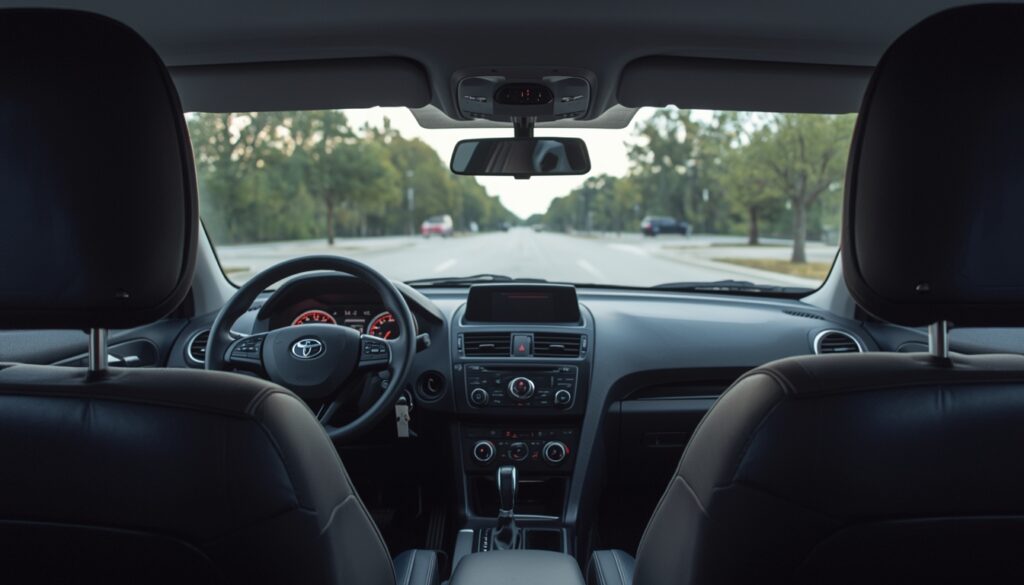
It is messy work. You might scrape your knuckles. You might drop a screw into a void that leads to another dimension. But when you put the car in reverse and that crisp image appears on the screen, showing you exactly how close you are to the garage door… it is satisfying. Deeply satisfying.
You have added safety. You have added value. And most importantly, you figured it out. Whether you chose how to wire a backup camera to the reverse light for simplicity, or how to wire a backup camera to a switch for control, the result is the same: you have eyes in the back of your head. And in traffic today, you need them.
Quick Summary Checklist
- Disconnect Battery: Safety first.
- Strip Carefully: Don’t cut strands of copper.
- Soldering > Crimping > Twisting: Choose your connection method wisely.
- Ground to Bare Metal: Paint is an insulator.
- Test Before Reassembling: Don’t put all the trim back until you know it works.
Now, go get some wire strippers and get to work. Your bumper will thank you.